 Product Journey Product Journey
Primary · horizontal — default for headers, sites, docs
Product JourneyThe visual system for Product Journey — logo, color, type, and how they go together. One source of truth.
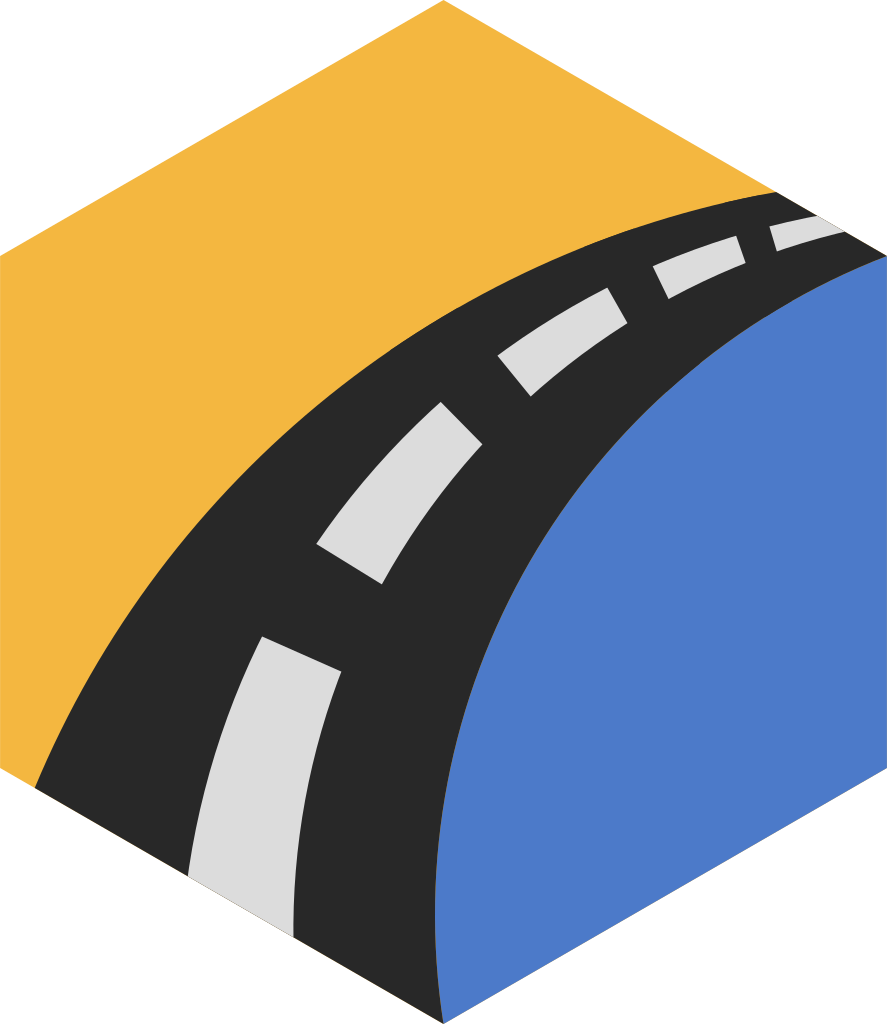
↓ Download full brand kitAn isometric cube with a road cresting over it — the journey made literal. The gold wedge (top + left face) carries the brand’s warmth; the azure face and the road give it motion and depth.
On light On dark On indigoFor single-color contexts — the footer, stamps, embossing, anywhere the full palette is too much. Charcoal on light, white on dark.
 Charcoal
 White
WhiteThree configurations. Use the primary horizontal lockup wherever space allows; the stacked lockup for merch and square formats; the horizontal-stack lockup where you want the wordmark compact beside the mark.
Product Journey Product JourneyPrimary · horizontal — default for headers, sites, docs
Product Journey Product JourneyStacked · mark-forward — merch, t-shirts, square / centered formats
Product Journey Product JourneyHorizontal stack · compact — mark left, wordmark stacked tight to its right
Square, solid-background marks for profile pictures — LinkedIn, GitHub, X. Indigo is the default; Night is the near-black alternate. Icon-only reads best at the small, often circle-cropped sizes these platforms use.
Indigo leads, azure supports, gold accents. Charcoal carries text. Each brand color ships with a tint (for backgrounds) and a shade (for hovers / depth).
Display / H1
Section heading / H2
Subheading / lead
Body copy in Inter. The quick brown fox jumps over the lazy dog while the road winds on toward whatever ships next. Clear, even color on the page at comfortable reading sizes.
The palette applied: buttons, links, and accents the way they appear in product.
Every product has a journey. This is the map for yours, one decision at a time.
SVG for print and infinite scaling; transparent PNG for quick drops. Use the indigo set on light backgrounds, the white set on dark. (Social avatars are in section 03.)
↓ Download full brand kit